 Lemegeton
Every game on this PC, whichever store it came from
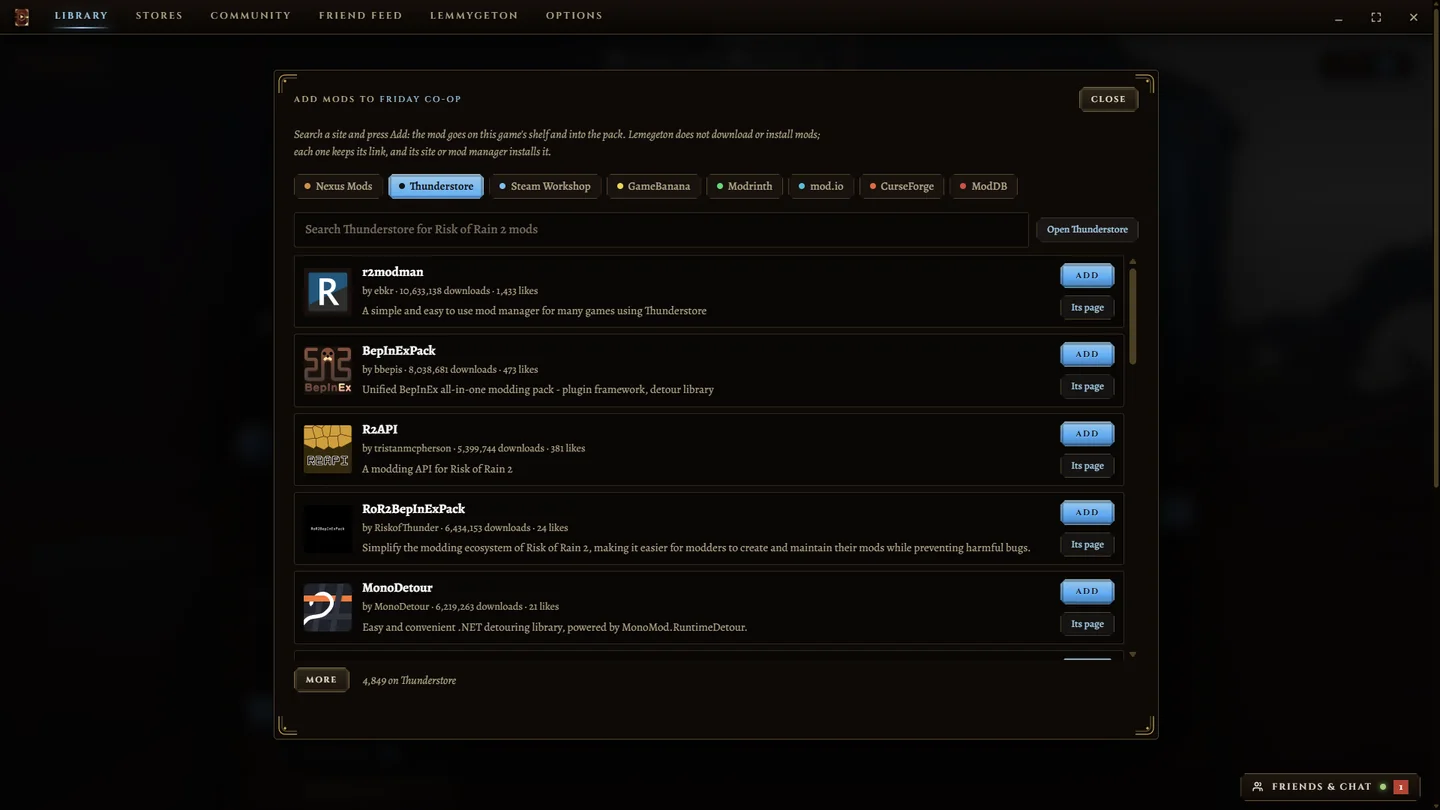
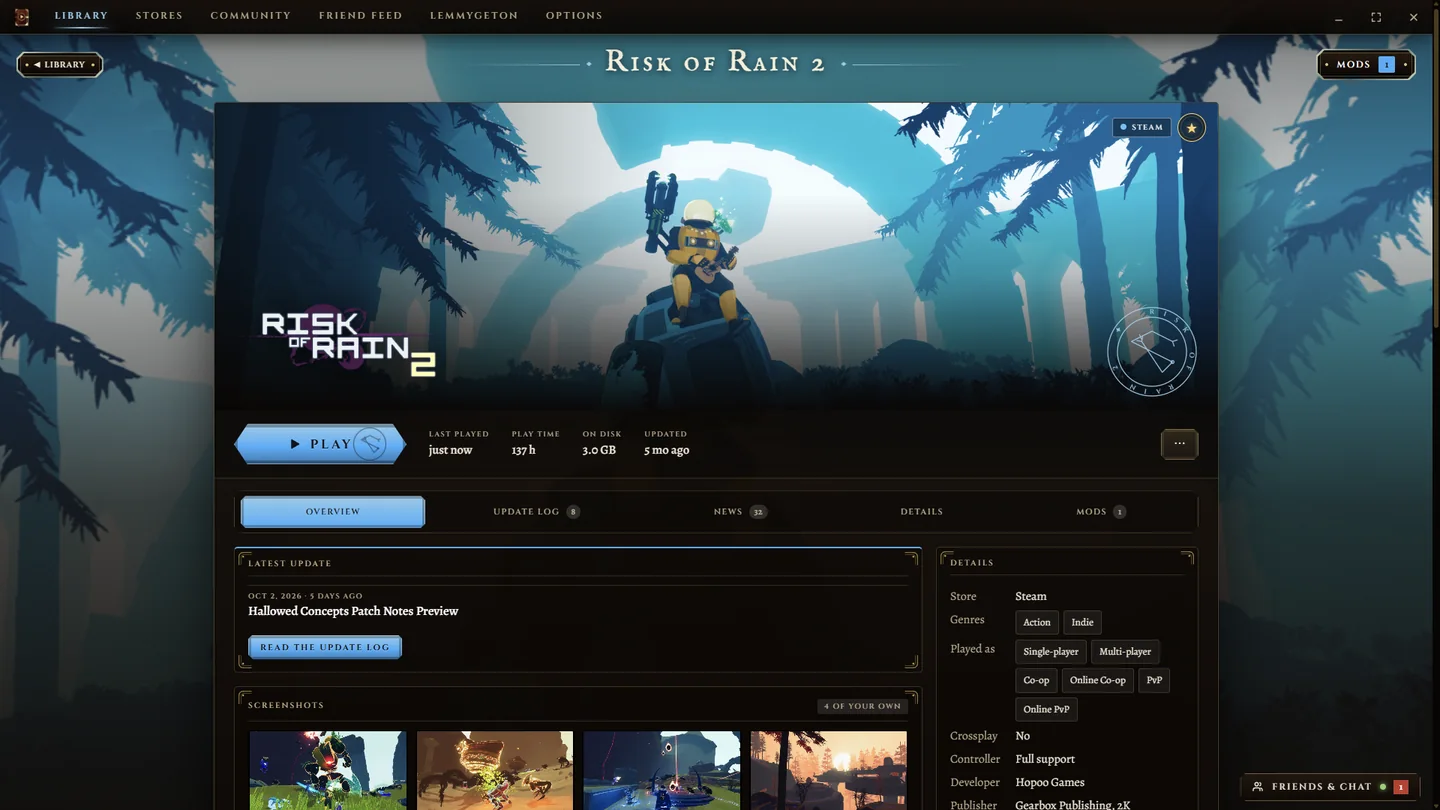
Lemegeton is one launcher for Steam, Epic Games, Xbox, Battle.net, EA and Ubisoft, with friends, chat and mods built in.
Download for WindowsThe newest version, about 13 MB. For Windows 10 and 11. What Windows says when you run it
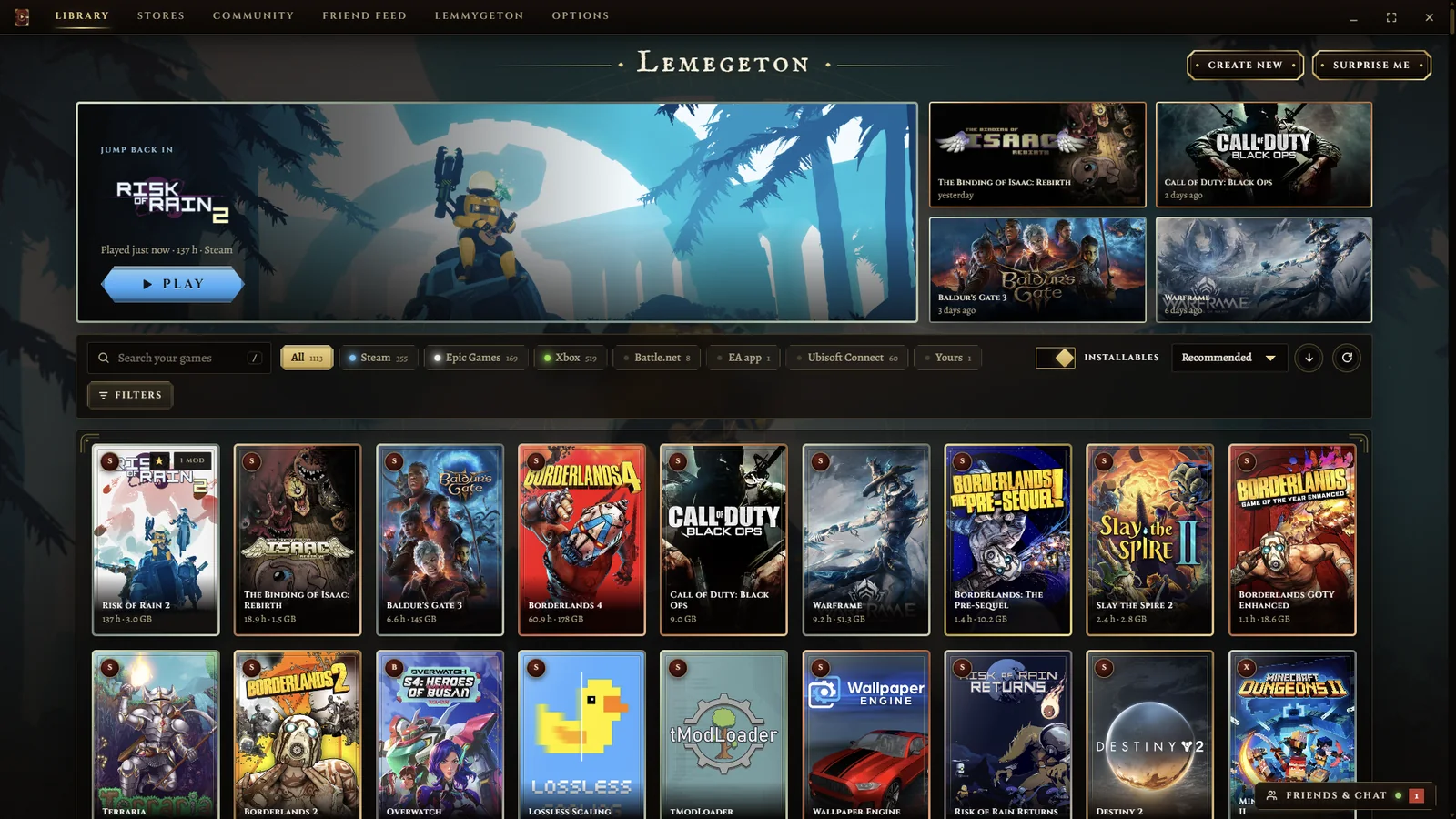
What is in it
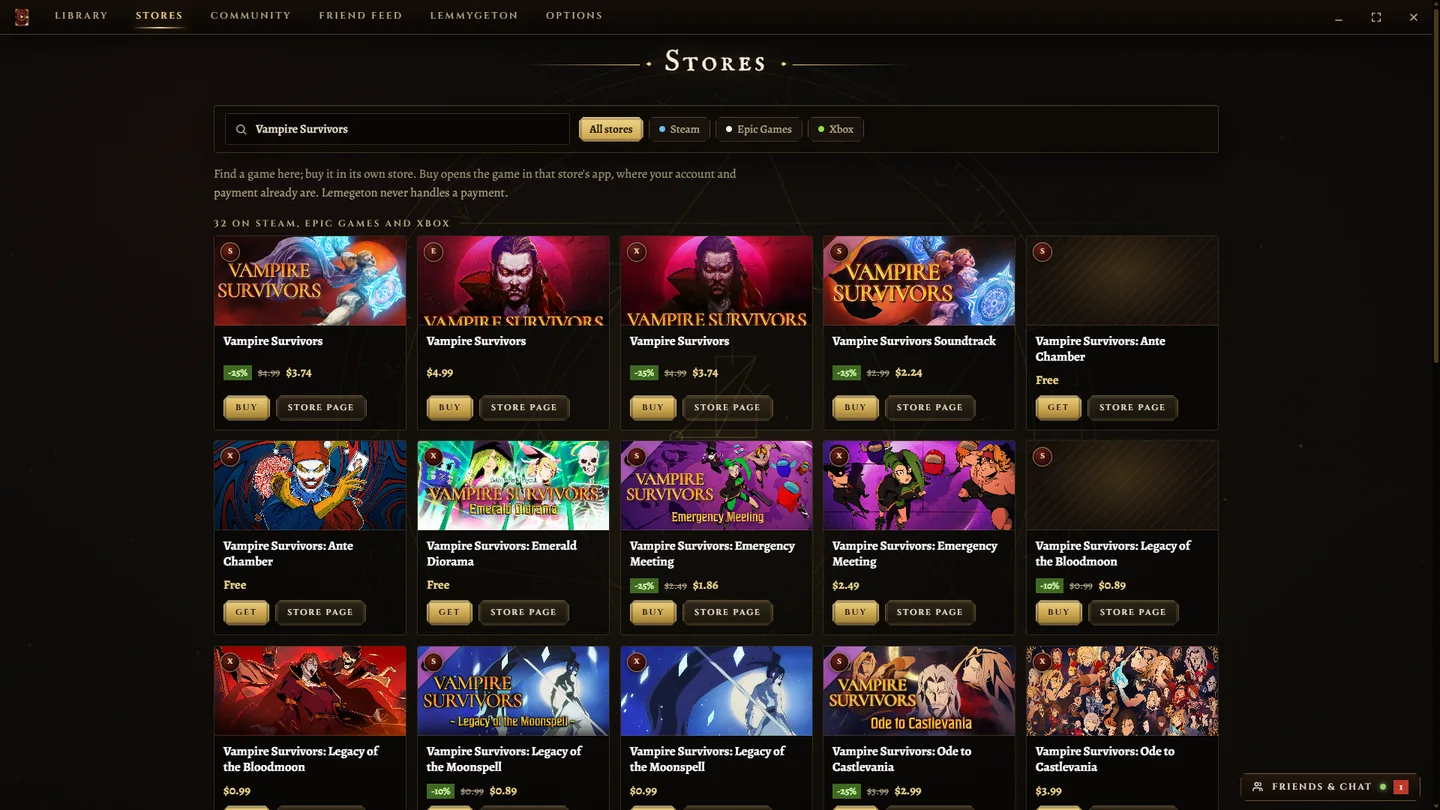
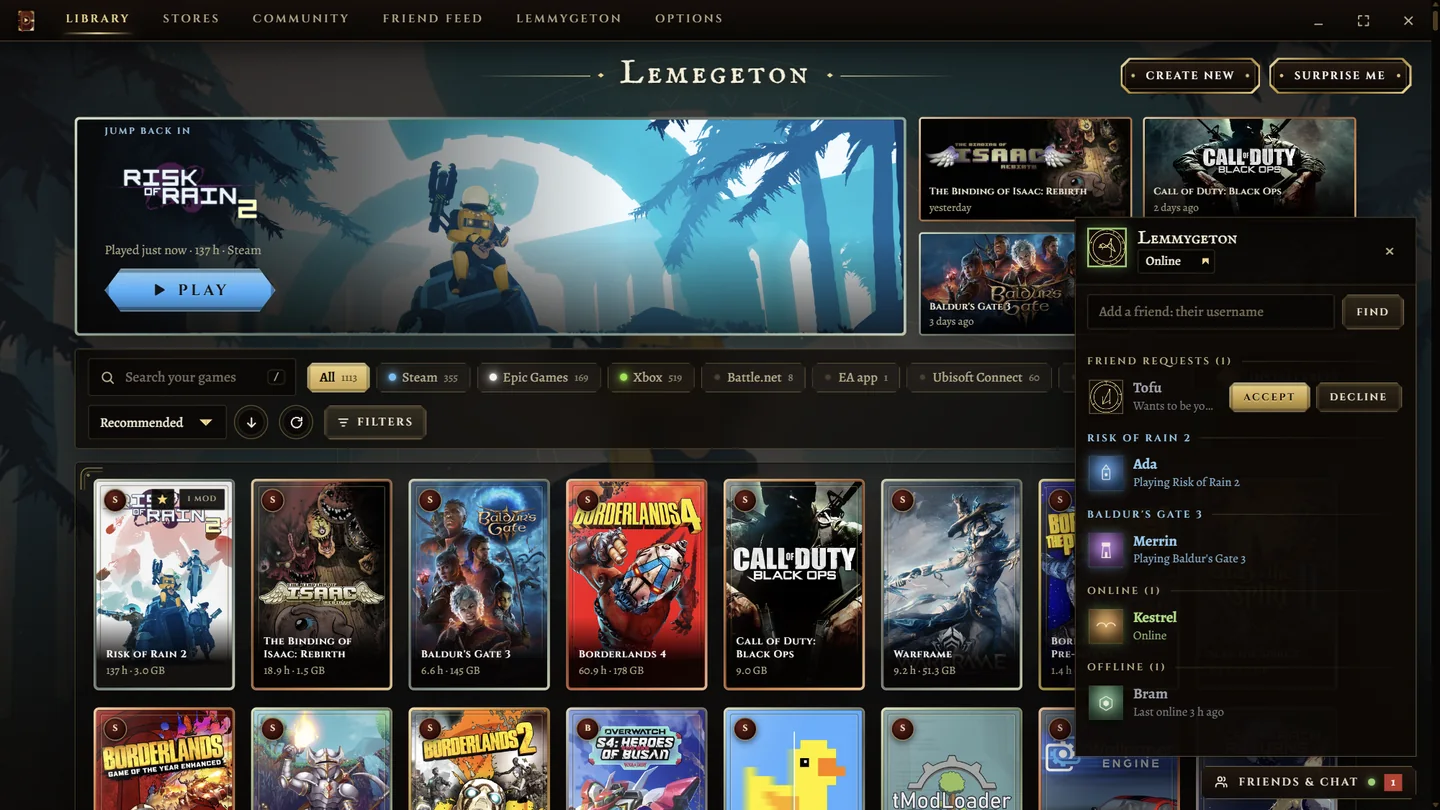
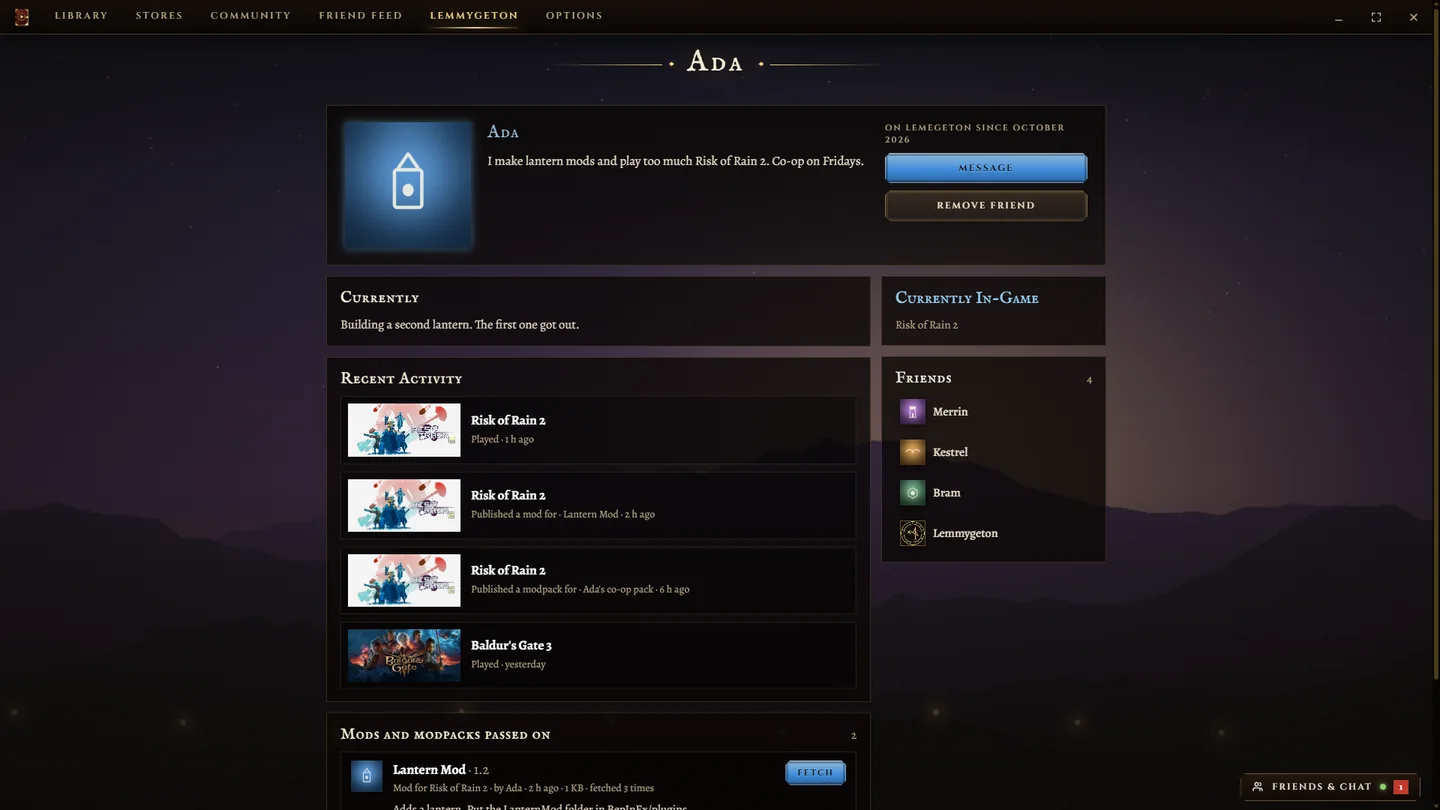
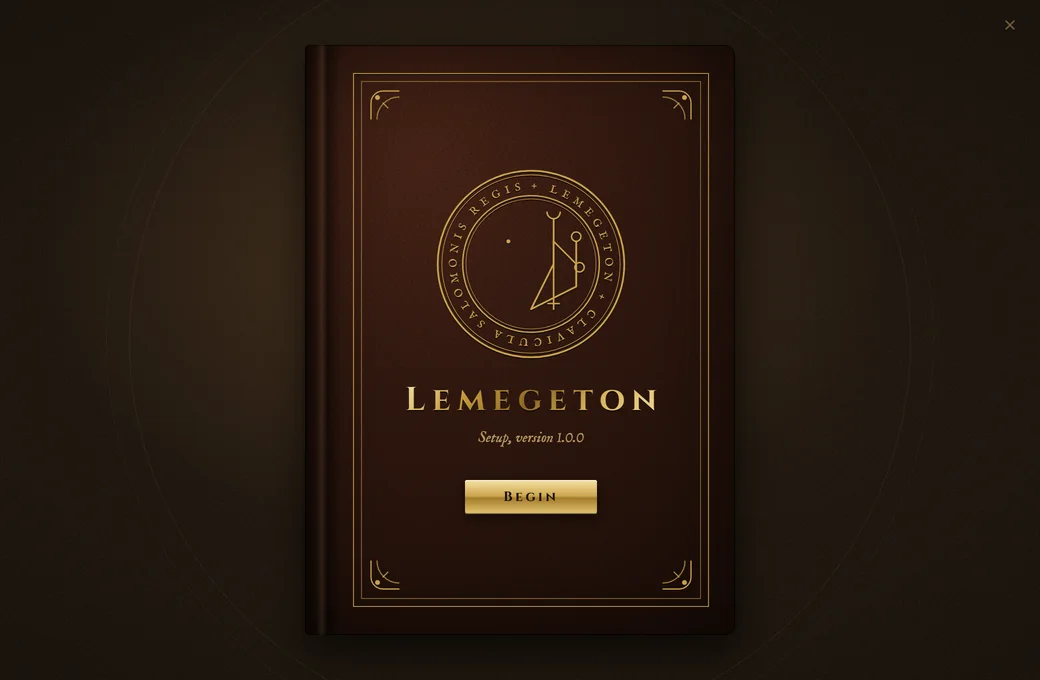
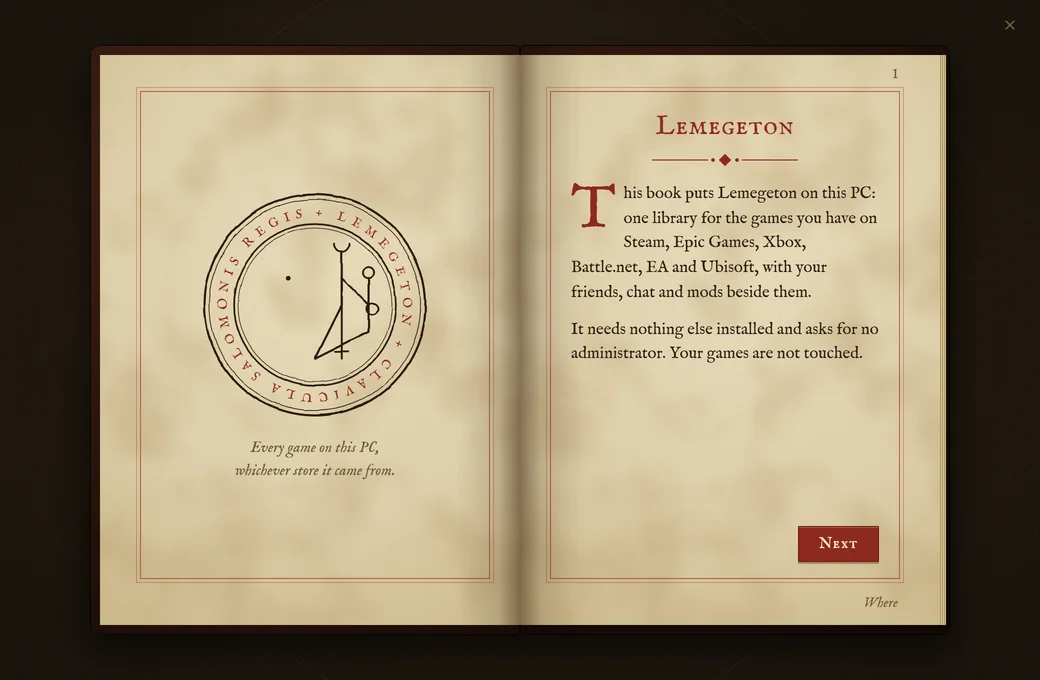
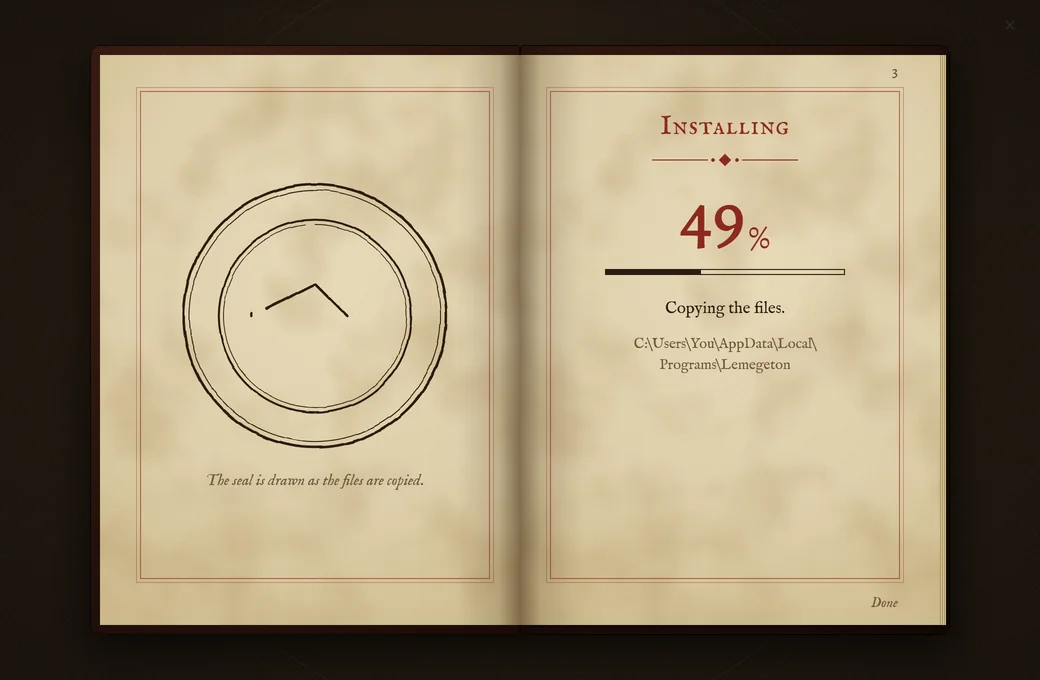
The installer is a book
Each step is a page turning, and a seal draws itself while the files copy. It installs for your Windows account only and asks for no administrator.
Before you install
- Windows will warn you
- The installer is not code-signed, so Windows SmartScreen says it does not know the publisher. Choose More info, then Run anyway.
- What you need
- Windows 10 or 11, and the stores whose games you want to see. Lemegeton sits on top of them; it does not replace them.
- Accounts are optional
- You can use it as a launcher without one. An account is only for friends, chat, profiles and sharing mods.
- Where chat goes
- Accounts and chat run on a small hosted database looked after by the author. Chat is not end-to-end encrypted. What you are playing is shown to friends only if you switch that on.
- Removing it
- Installed apps, in Windows Settings. You are asked whether to keep your settings.
This version
The newest version.
What changed in it is listed with the download.
Lemegeton tells you when a newer one is out, and puts it in when you choose.
The installer's SHA-256 fingerprint
It is shown with each version on the releases page.
To check your download, in PowerShell
Get-FileHash .\Lemegeton-Setup.exe